
Blog
中文Swarms Blog
Engineering notes, product updates, and guides for building multi-agent systems with Swarms.
Subscribe via RSS
100 articles
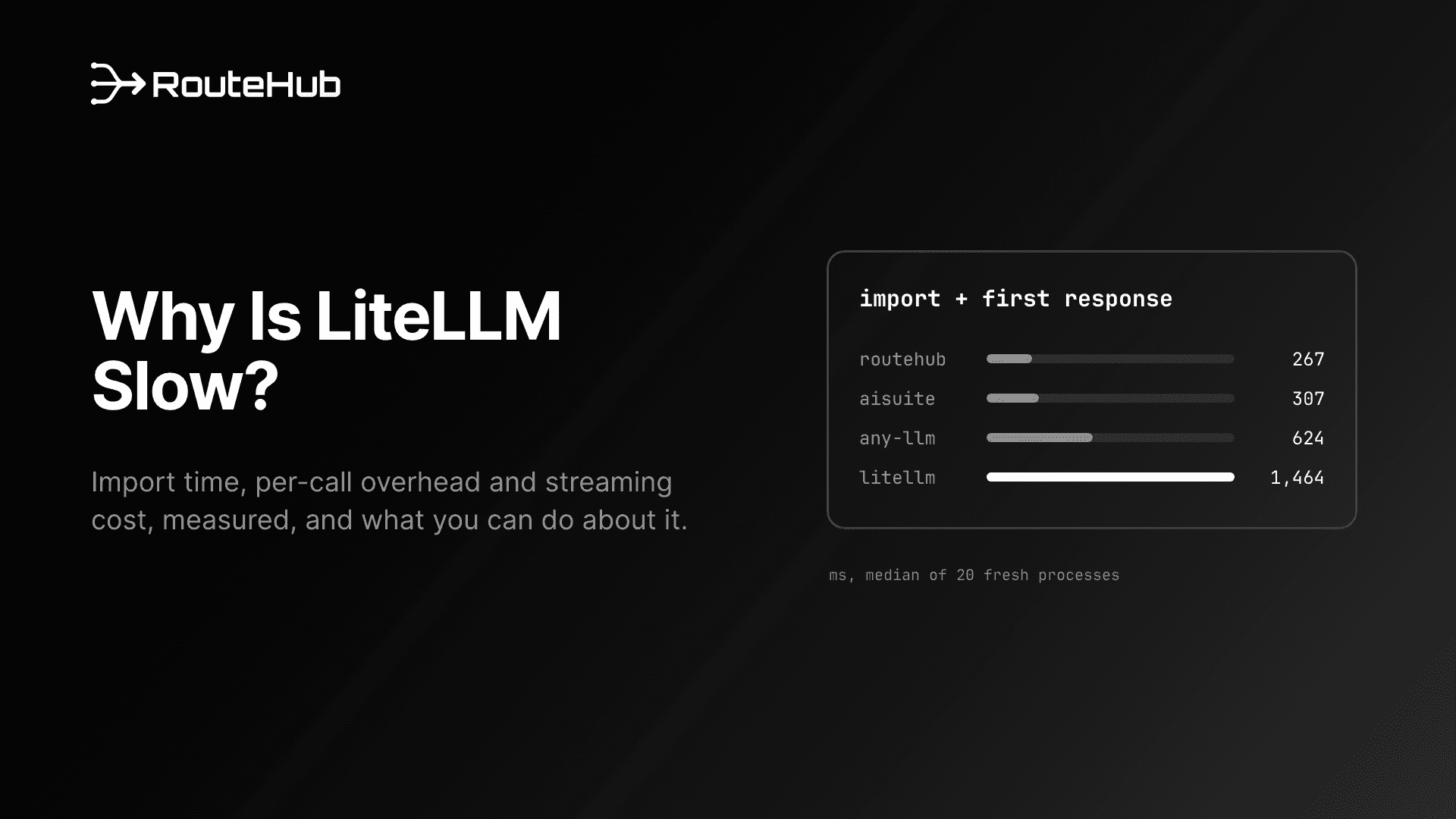
Why Is LiteLLM Slow? Import Time, Per-Call Overhead and How to Fix It
Why is LiteLLM slow? We measure its 1.2 second import, per-call overhead, streaming cost and memory, then cover the documented fixes and when to switch.
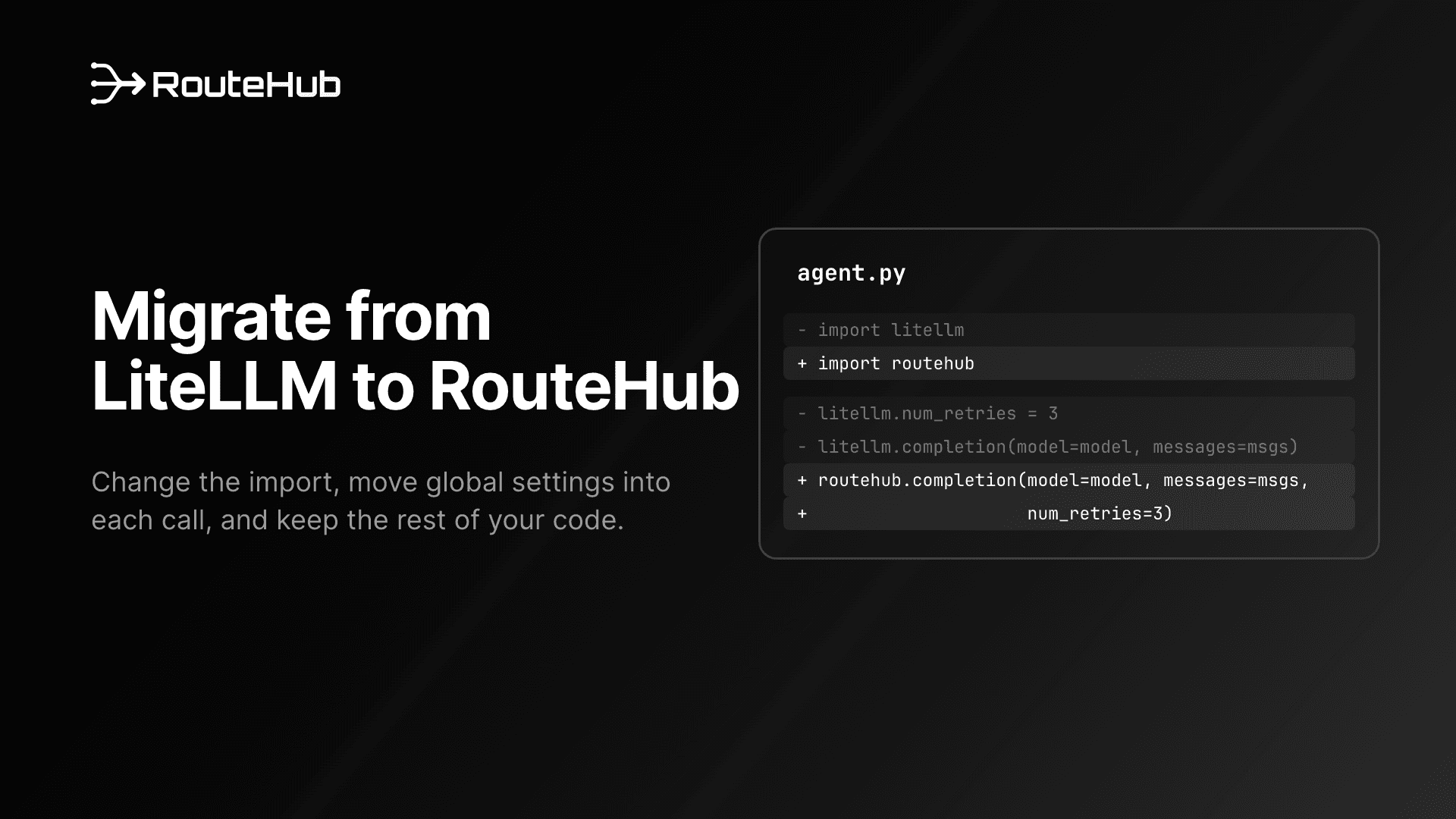
How to Migrate from LiteLLM to RouteHub: A Step-by-Step Guide
Migrate from LiteLLM to RouteHub step by step: swap imports, move litellm globals to per-call arguments, update responses, tools, errors and tests.

Introducing RouteHub: A Lightning-Fast LLM Gateway
RouteHub is an open-source LLM gateway that connects 20+ providers through one API, with streaming, async and tool calling. It imports 383x faster than LiteLLM, reaches its first response 5.5x sooner with 3.9x less memory, adds 9 µs per call, and is faster than the official Anthropic SDK on Claude calls and streaming. This post covers how it works, the full benchmark results and how to get started.
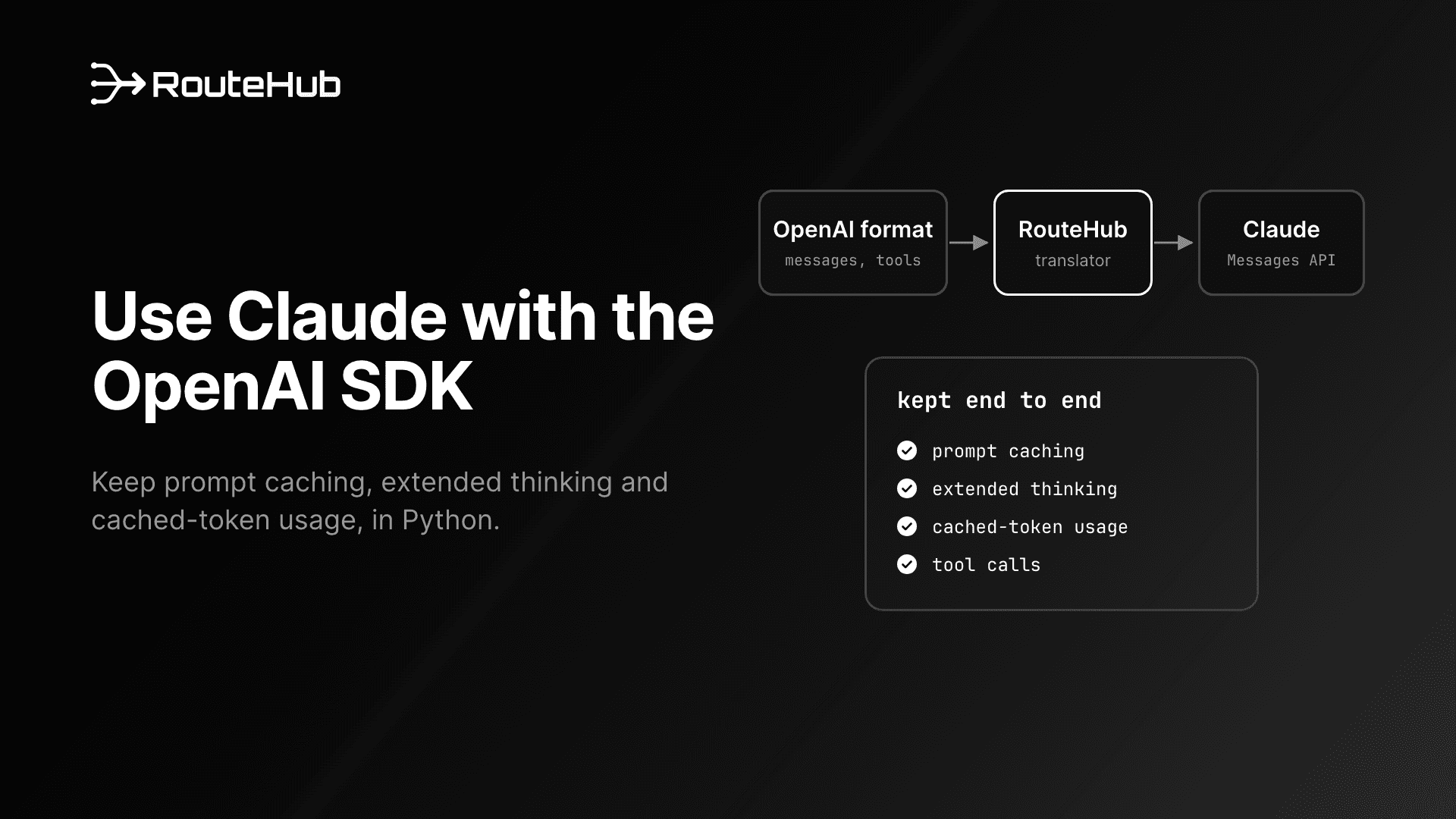
How to Use Claude with the OpenAI SDK in Python Without Losing Caching
Learn how to use Claude with the OpenAI SDK format in Python, what Anthropic's compatibility endpoint drops, and how to keep prompt caching, thinking and PDFs.
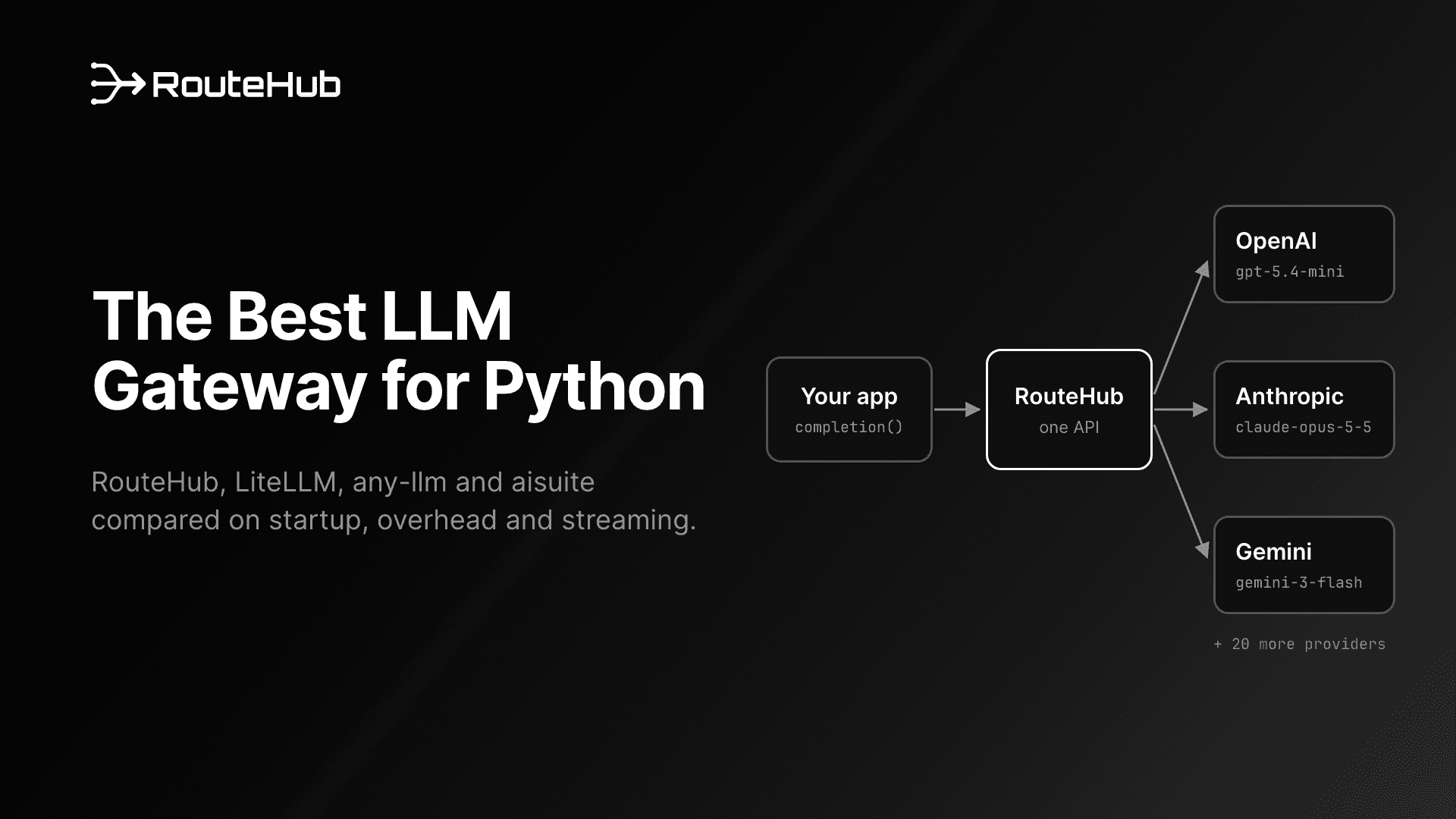
Best LLM Gateway for Python in 2026: RouteHub, LiteLLM, any-llm, aisuite
Looking for the best LLM gateway for Python? We compare RouteHub, LiteLLM, any-llm and aisuite on startup time, per-call overhead, streaming and features.
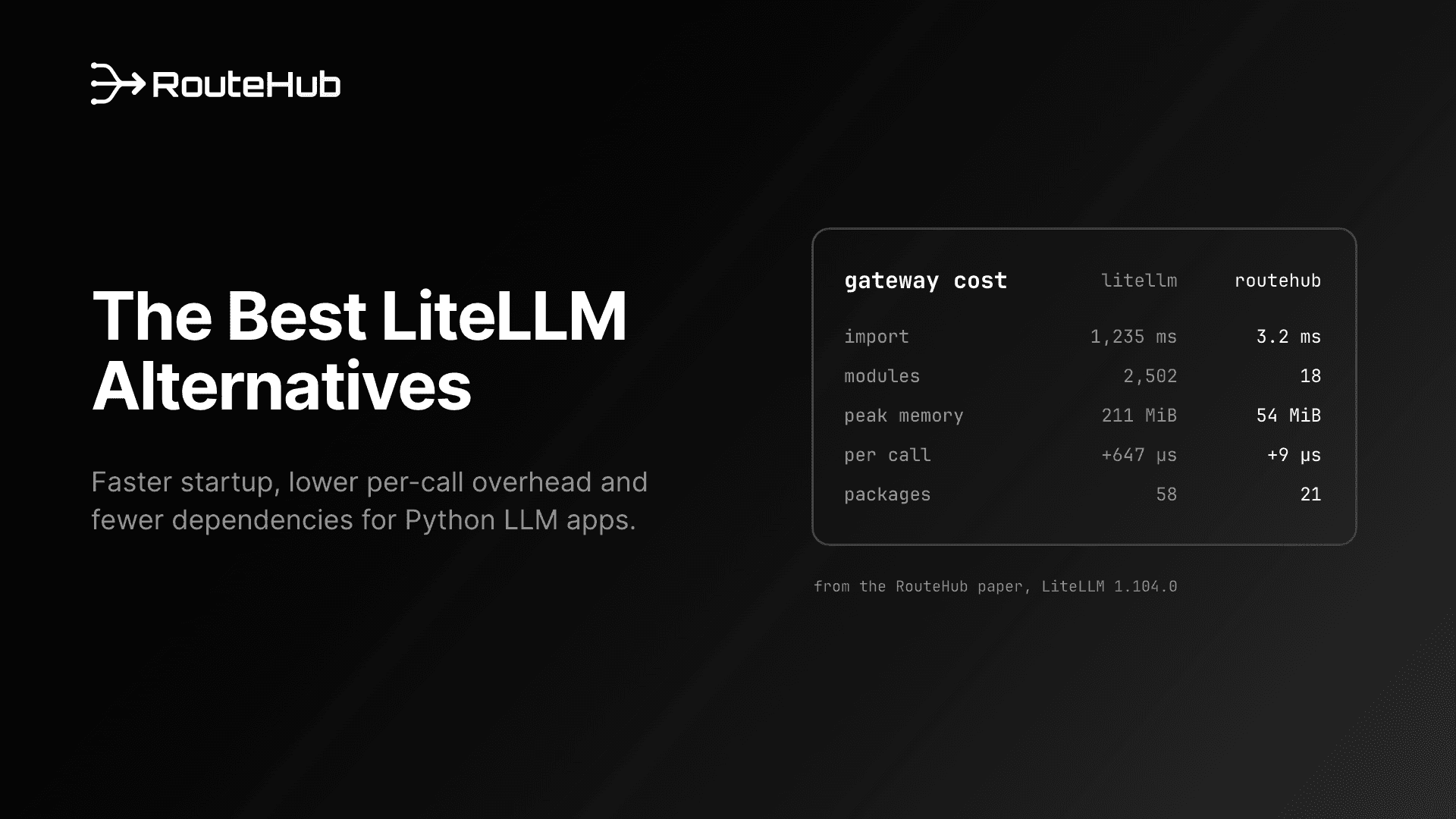
Best LiteLLM Alternative in 2026: RouteHub and 5 Other Options
Looking for a LiteLLM alternative? We compare RouteHub, any-llm, aisuite, Portkey, Bifrost and OpenRouter on speed, dependencies, features and license.
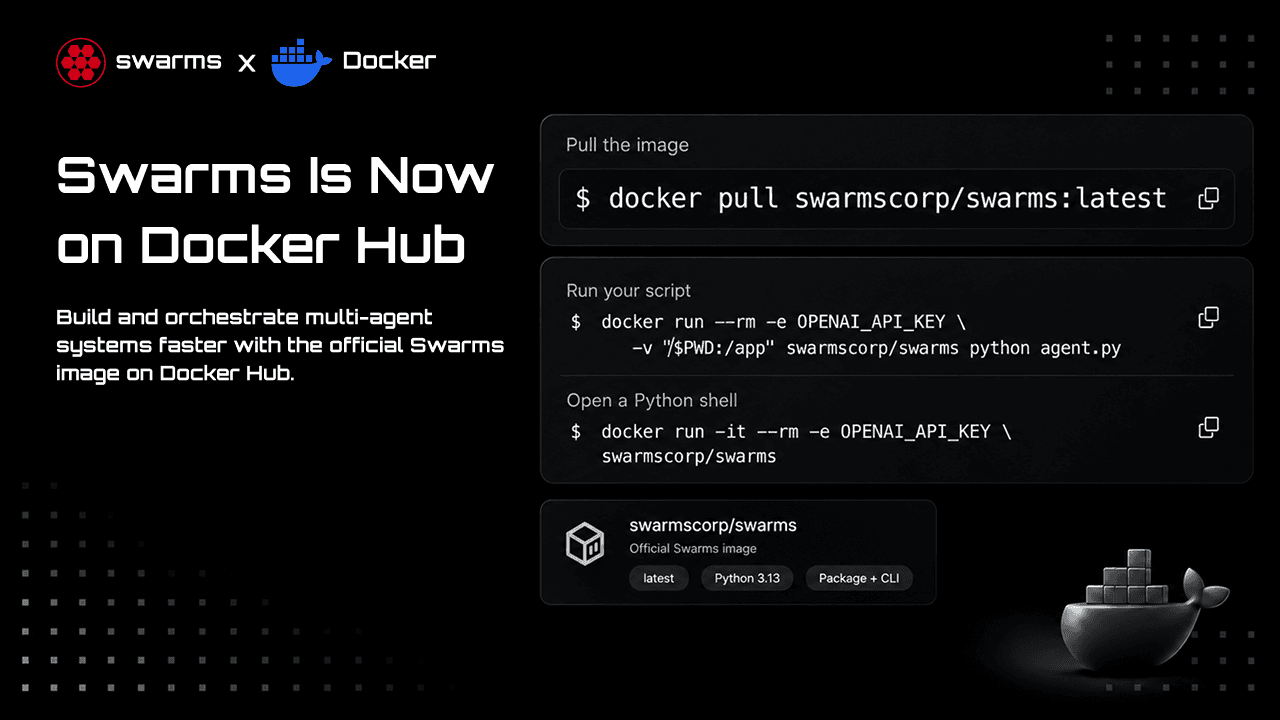
Swarms Is Now on Docker Hub: How to Run Agents and Swarms in Docker
The official Swarms image, swarmscorp/swarms, is live on Docker Hub with Python 3.13, the swarms package and the swarms CLI for amd64 and arm64. Learn how to pull it, run your first agent, pass API keys safely, give agents tools, run multi-agent workflows, use Docker Compose and package your own agent as an image.
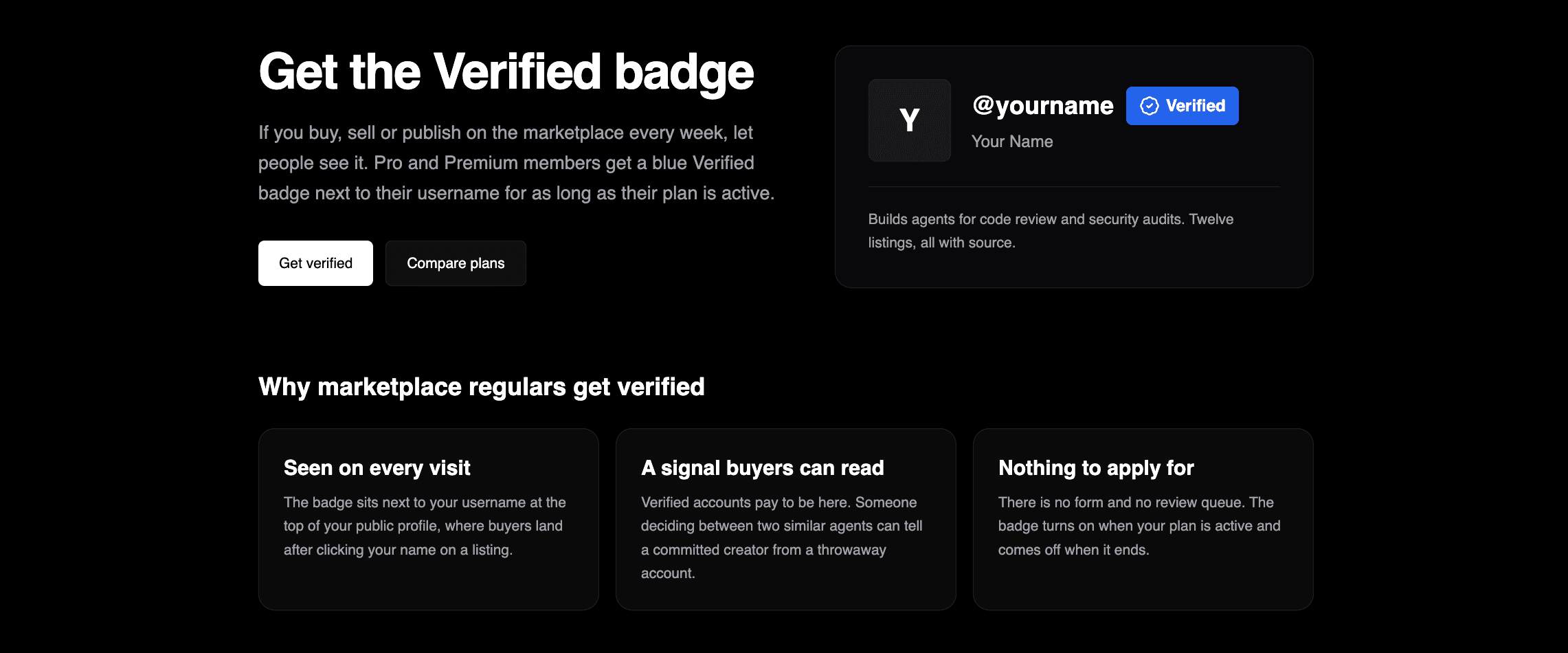
Get Verified on the Swarms Marketplace
Pro and Premium members now get a blue Verified badge next to their username on swarms.world. Here is what the badge means, how it turns on and off, what each plan includes, and why creators who sell on the marketplace should get it.
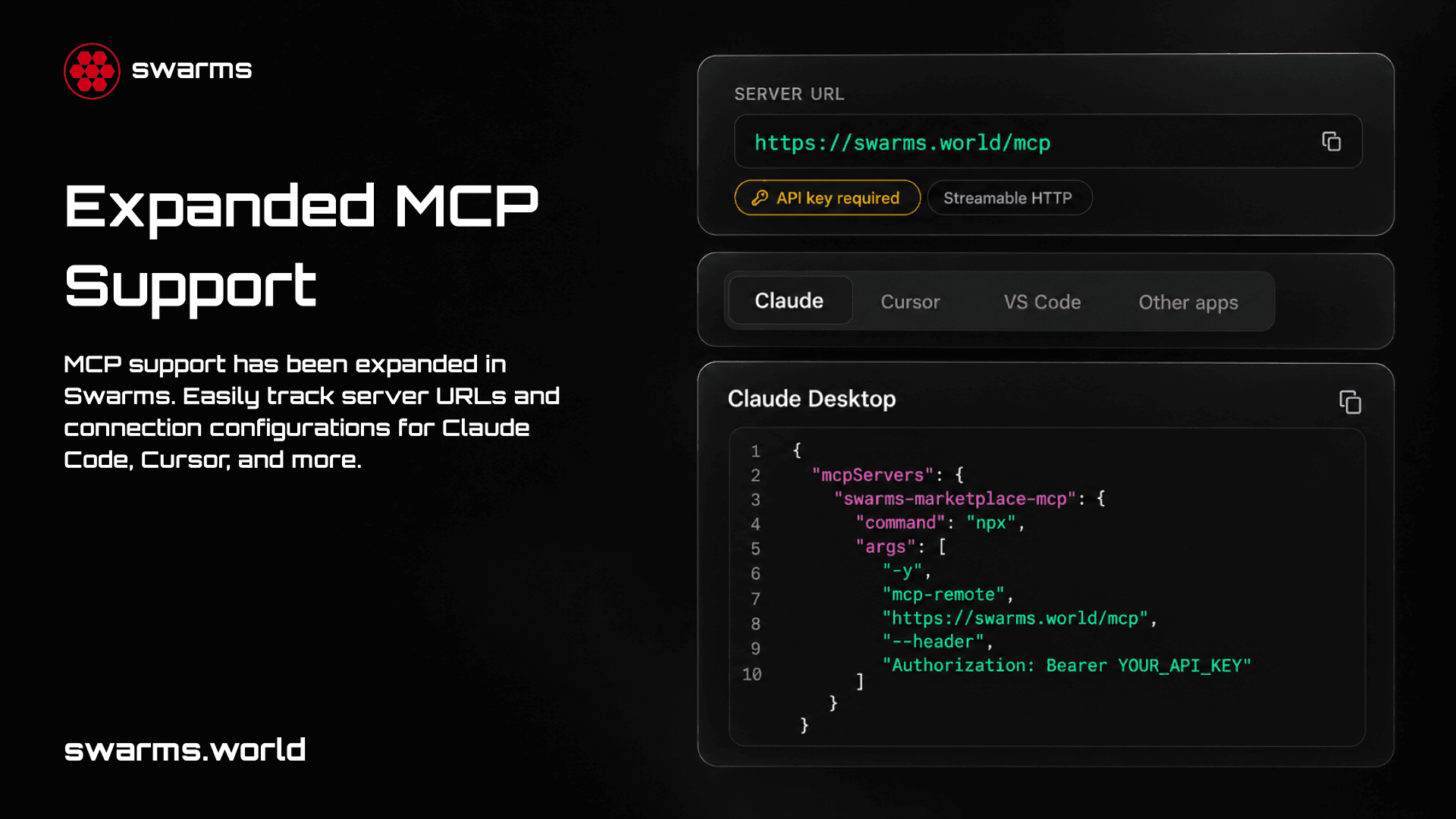
Expanded MCP Support on the Swarms Marketplace: Inspect, Connect, and Publish MCP Servers
Publishing an MCP server on swarms.world now takes three steps: paste the URL, inspect it, publish. The marketplace connects to your server, reads its tools, and detects how it authenticates. Every MCP listing then gets a connect section with ready-to-paste configs for Claude, Cursor, VS Code, and other MCP clients. Here is how each piece works and how to publish your own server.
Newsletter
Get the latest from Swarms
Build with Swarms Cloud or discover agents in the Marketplace. Sign up and get $5 in free API credits.