Most marketplaces sell a copy once. A buyer pays a price, gets access, and the transaction ends, which caps a creator's upside at the number of sales they can close. Tokenization is a different economic model available on the Swarms Marketplace: instead of selling a fixed-price copy, you turn your agent or prompt into a tradeable asset on Solana, and earn a percentage of every trade in that asset for as long as people keep trading it.
This guide covers what a tokenized agent actually is, how its bonding curve works, exactly how creators get paid, and how to launch one yourself.
What Is a Tokenized Agent?
A tokenized agent (or tokenized prompt) is a normal marketplace listing with one added property: it has its own token on Solana. When you publish an agent or prompt on swarms.world, tokenization is a toggle on the same publish flow, sitting next to the Free and Paid pricing options. Tools do not support it; the toggle is disabled for that content type.
Turning it on adds two required fields:
- Ticker Name. An uppercase symbol up to 10 characters, letters and numbers only, like
RESEARCHBOT or MEDPROMPT. The launch page can also auto-generate ticker candidates for you based on your listing's name and description.
- Quote Mint. The currency your token trades against on its bonding curve: SOL or USDC.
Notice what is missing from that list: there is no field for total supply, no starting price, and no token count to set. Those are fixed platform defaults, not creator decisions, because tokenization is not meant to be a fundraising mechanism a creator hand-tunes. It is a standard, repeatable wrapper that turns any agent or prompt into a trading pair with the same rules every time.
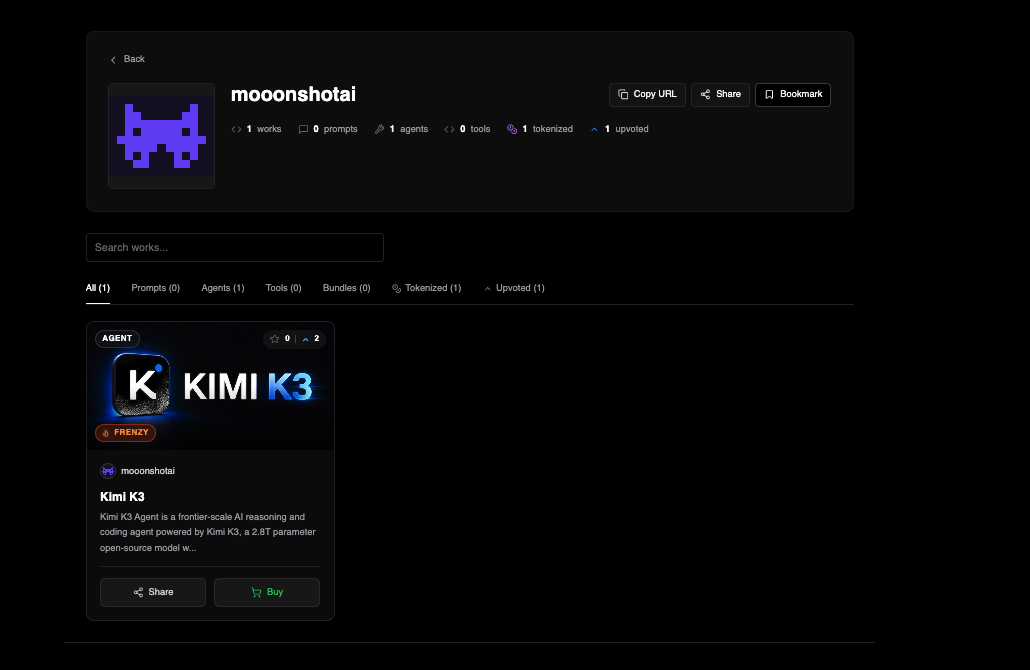
The result is a listing that is simultaneously a marketplace product and a live, tradeable token. People can still discover it, review it, and use it like any other agent or prompt, while also buying and selling its token on-chain, and every one of those trades pays the creator.
How the Bonding Curve Works
Under the hood, tokenization runs on Solana through an automated market-making mechanism called a Dynamic Bonding Curve, provisioned through Jupiter's launch infrastructure. You do not need to understand the mechanics of bonding curves to use this feature, but the shape of it matters for what you should expect as a creator.
A bonding curve is a pricing formula, not an order book. There is no need for a matching buyer on the other side of your trade: the curve itself is always ready to buy or sell at a price set by how much of the token is already in circulation. Early buyers get a lower price, and the price rises automatically as more of the token is bought.
Every tokenized listing on Swarms launches with the same two market-cap checkpoints, defined as platform constants:
| Checkpoint | Target market cap |
|---|
| Initial market cap | ~$3,246 |
| Migration market cap | ~$46,468 |
For SOL-quoted tokens, these USD targets convert to SOL at the current spot price the moment you launch, so the curve always starts at a consistent real-world value regardless of where SOL is trading that day. USDC-quoted tokens use the USD figures directly. "Migration" is the point where a token has traded enough volume to graduate off the bonding curve into standard liquidity, the same model used broadly across Solana launch platforms.
Launching a token costs a one-time fee of 0.04 SOL, shown up front in the launch flow, covering the on-chain cost of deploying the token and its pool. One detail the launch page is explicit about: creating the token does not automatically hand you any of it. If you want to hold your own token, whether for ownership, for gating, or simply to be its first holder, you need to buy it yourself right after it goes live, the same way anyone else would.
How to Launch a Tokenized Agent
The whole flow lives on the launch page and takes only a few extra steps beyond a normal publish:
- Fill out your listing as usual: name, description, code or prompt content, and everything else you would set for a standard agent or prompt.
- Toggle Tokenization on, in the Pricing section. Available for agents and prompts, not for tools.
- Set a Ticker Name, typed in yourself or picked from the auto-generate helper's suggestions.
- Choose your Quote Mint: SOL or USDC.
- Decide on Frenzy Mode and Vault Mode, both optional and explained below.
- Connect a Solana wallet. Tokenization requires a connected wallet before you publish, since the token mints as part of the same flow.
- Publish. The listing goes live and the token deploys on-chain in the same action. Pay the 0.04 SOL fee when prompted, and buy your own token promptly afterward if you want to hold it.
From that point, your agent or prompt is a normal marketplace listing with a live, tradeable token attached to it.
How Creators Earn: The Fee Split
This is the mechanism that makes tokenization a genuinely different business model from a one-time sale. Every buy and every sell against the bonding curve pays a total trading fee of 1.0% of the trade, and that fee splits automatically:
| Fee recipient | Share |
|---|
| Creator | 0.5% |
| Swarms platform | 0.5% |
| Total trading fee | 1.0% |
That 0.5% is not a one-time payment. It applies to every trade, indefinitely, for as long as the token has volume. A creator who launches a popular agent does not just get paid when they publish it; they get paid every time anyone buys or sells its token afterward. That is the core difference from a traditional marketplace sale: a fixed-price listing pays a creator once per buyer, capped at however many buyers exist. A tokenized listing pays a creator a cut of trading volume, whether that comes from the same holders trading in and out repeatedly, new buyers entering after the price has moved, or general market activity that has nothing to do with a new "sale" at all.
Fees accrue on-chain in real time as trades happen. To collect them, connect your Solana wallet on the Creator Fees tab in your account settings, where you can see unclaimed and claimed fees per token and claim with a transaction you sign yourself.
Frenzy Mode: Doubling the Creator Cut
At launch time, you can optionally enable Frenzy Mode on agents and prompts. Turning it on changes the split so that the creator earns 1% of all buy and sell volume, twice the standard 0.5% rate. It is a straightforward trade-off: if you are confident your listing will generate real trading activity, Frenzy Mode doubles your take on every trade from day one.
Vault Mode: Turning the Token Into an Access Gate
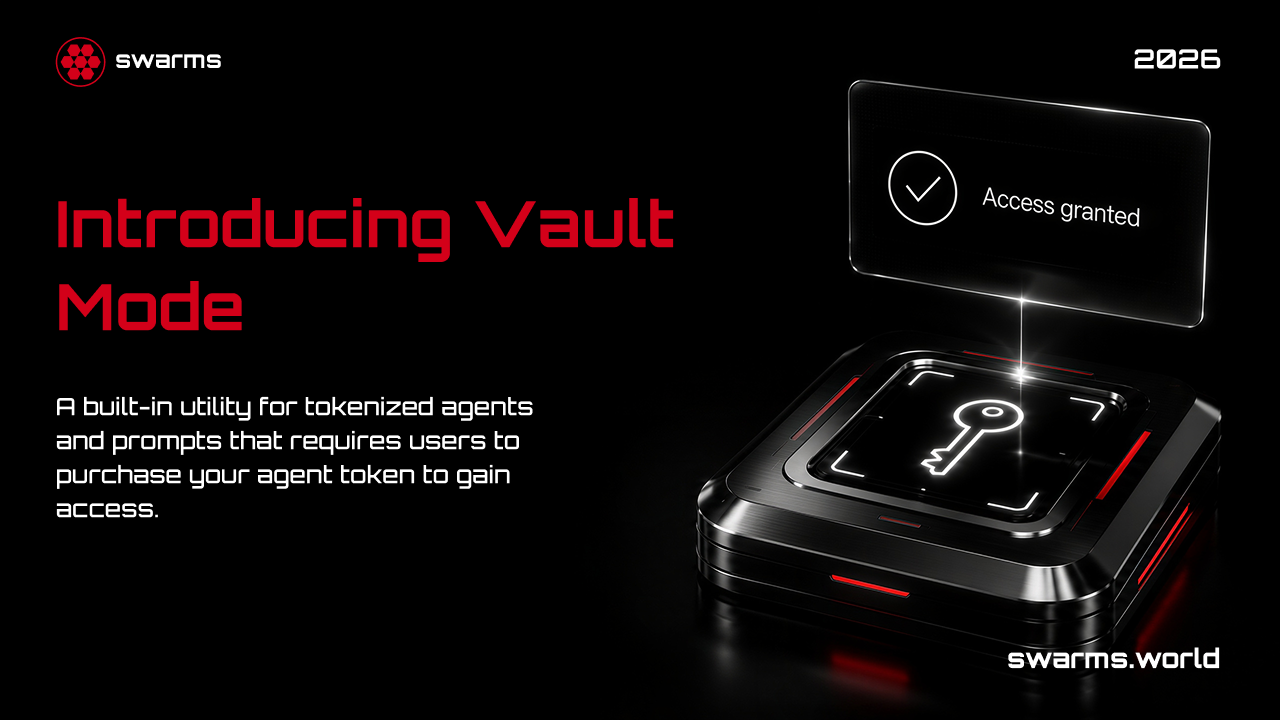
Vault Mode is a separate optional toggle that changes what the token is for. Instead of the token being purely a trading instrument, Vault Mode gates the agent or prompt itself so that only token holders can use it. A user has to hold roughly $1 worth of the token in their connected wallet to unlock access to the vaulted content.
Because Vault Mode already gates access through token ownership, it is not compatible with separate paid USD pricing: enabling it on a listing set to Paid automatically switches pricing back to Free, since a USD price on top of a holder gate would be redundant with the token itself as the paywall.
The strategic reason to choose Vault Mode is the buy pressure it creates. Anyone who wants to use your agent or prompt has to go acquire your token first, even if they only need a small amount to clear the holding threshold, a structural demand driver a normal paid listing does not have.
Tokenization vs. a Normal Paid Listing
| Normal paid listing | Tokenized listing |
|---|
| How a creator gets paid | Once per buyer, at a fixed USD price | A percentage of every trade, indefinitely |
| Price discovery | Set manually by the creator | Determined by the bonding curve |
| Ownership | Buyer gets a license to use the content | Buyer holds a tradeable on-chain token |
| Platform cut | Percentage of each sale | 0.5% of each trade |
| Access control option | Paid gate at a fixed price | Vault Mode gate at a token-holding threshold |
| Available for | Agents, prompts, and tools | Agents and prompts only |
Neither model is strictly better. A fixed-price listing is simpler and predictable, and suits content with a clear, stable value. Tokenization suits content people will want to trade and discuss, where ongoing volume, not a single purchase, is the real prize.
Frequently Asked Questions
Can I tokenize a tool?
No. Tokenization is available for agents and prompts. Tools do not support it, and the tokenization toggle is disabled when publishing a tool.
Do I automatically own my own token after I create it?
No. Creating the token does not grant you any of it. You need to buy it yourself right after launch if you want to hold it, the same as any other buyer.
What is the exact fee split on trades?
1.0% total per trade: 0.5% to the creator and 0.5% to the Swarms platform, by default. With Frenzy Mode enabled, the creator's share doubles to 1% of all buy and sell volume.
Can I use Vault Mode and charge a USD price at the same time?
No. Vault Mode already gates access through token holdings, so it is not compatible with paid USD pricing. Enabling Vault Mode on a paid listing switches the pricing back to Free automatically.
Do I need a crypto wallet to tokenize a listing?
Yes. Tokenization requires a connected Solana wallet before you publish, since the token mints and deploys on-chain as part of the launch.
How do I collect the fees I have earned as a creator?
Connect your wallet on the Creator Fees tab in your account settings. You can see unclaimed and claimed fees per token there and claim them with a transaction you sign yourself.
What currencies can a token be priced in?
SOL or USDC. You choose the Quote Mint when you configure tokenization, and it determines what currency the bonding curve is priced in.
Get Started
Tokenization turns your agent or prompt from a one-time sale into an ongoing revenue stream tied to real trading activity. If that model fits what you are building, here is where to go:
- Launch a tokenized agent or prompt: head to the launch page, fill out your listing, toggle Tokenization on, and set your ticker and quote currency.
- See what is already live: browse tokenized listings alongside everything else on the marketplace registry.
- Go deeper on the mechanics: the full technical breakdown of tokenization is documented at docs.swarms.ai.
If you have built something people will want to hold, not just use once, tokenization is how you get paid for that every time they trade it.